Your Senserva key is on its way. Check your email.
Watch your inbox for the email carrying your Senserva key. If it is not there within a few minutes, check your spam or junk folder, and add senserva.com to your safe senders so the alerts reach you too. Once you have the key, follow the steps below to download and start your free audits.
Download Senserva, then register for your
Three Free Unlimited Audits
All users, all settings, all patches, all tenants.
1 to Find, 1 to Fix and 1 to Prove.
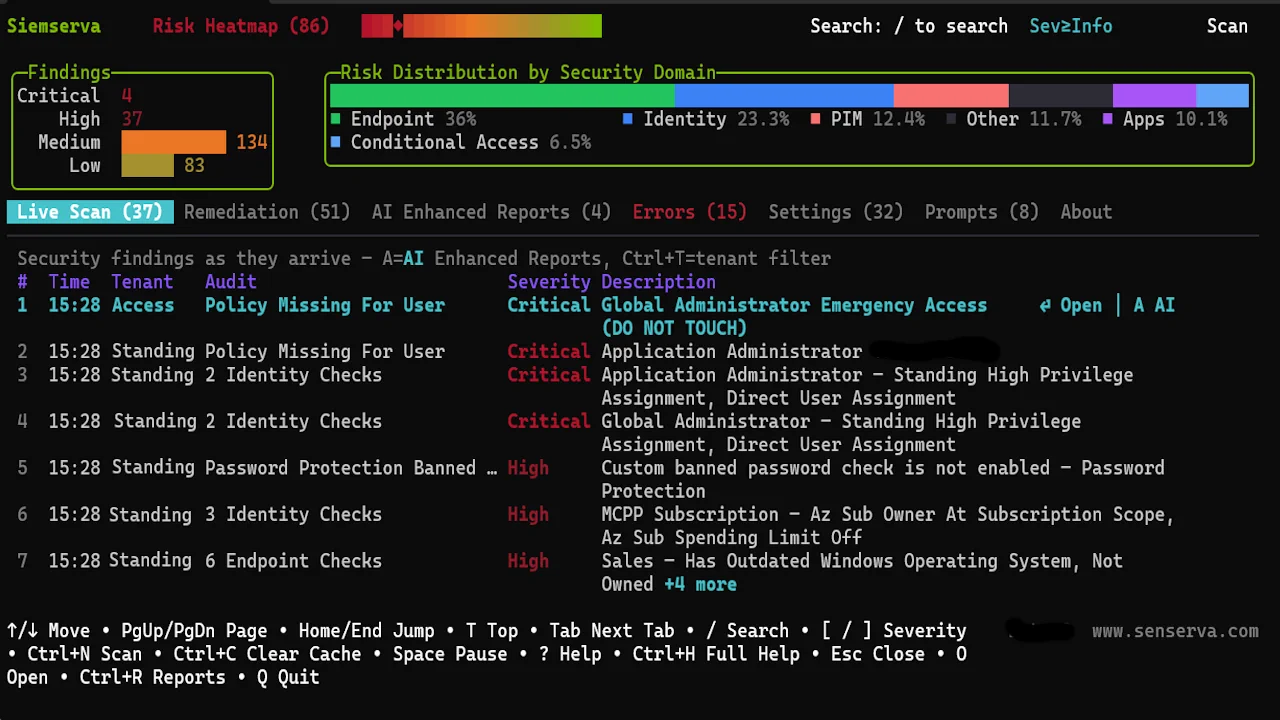
Three free runs of everything Siemserva does: complete patch state, all 650+ checks, full reports.
Free means free: registration is all it takes, no card. Installs in seconds. Need always-on later? See the Autumn Special: the same flat rate with 8 hours of Senserva services included.
Want the long version? Read the full Siemserva walkthrough: install, shared team storage, first scan, the dashboard keys, reports, and Claude over MCP, step by step. Also available as a printable PDF. Coming from Maester or the Zero Trust Assessment? Import those results instead.
1
Download Senserva, free
One small signed binary. No installer, no agents. Installs in seconds, Windows or Mac.
2
Register free and run your
Three Free Unlimited Audits
Register free for your key, then run
siemserva-win-x64.exe (
./siemserva-osx-arm64 on Mac) with no parameters and follow the three-step wizard.
Read-only, across every tenant you manage:
All users, all settings, all patches, all tenants.
1 to Find, 1 to Fix and 1 to Prove.
Ready for always-on?
See pricing.
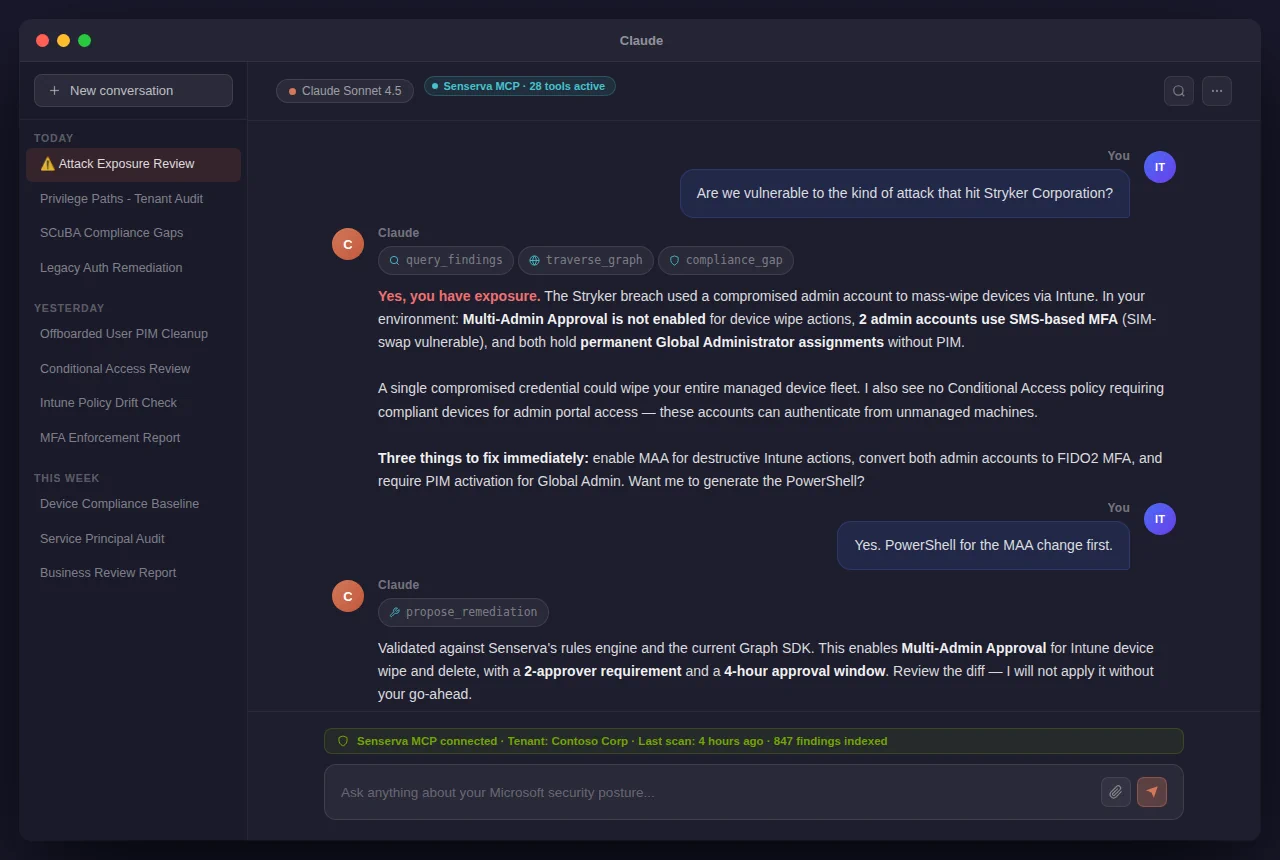
Prefer to talk to it? Everything answers through Claude: ask about any finding, or run a full audit hands-free.
Want to look before you register? A built-in demo and the Beat Claude Game Mode run from the same binary (the game needs the free Claude Desktop app; the demo does not). See demo mode. Register free to run your
Three Free Unlimited Audits
on your own tenant. The Mac zip clears the quarantine flag on first run.