Cyber insurance requirements for Microsoft 365

Insurers ask hard questions before they cover you, and again after a claim. Most of those questions are about Microsoft 365: is MFA enforced, are you patched, who has admin, are you watching the logs. Senserva shows exactly where you stand on each, and produces the evidence to back your answers.

Senserva is a security posture tool, not an insurer or a broker. It helps you meet and prove the technical controls, it is not a policy, an EDR, or a backup product.

The questionnaire, and what Senserva shows

MFA enforced
Insurers expect MFA on email, remote access, and every admin account. Senserva runs the best Conditional Access evaluation in the business: who is covered, who is excluded, where legacy authentication still bypasses MFA, and which policies were never enforced.
Patching and vulnerabilities
Timely patching of known-exploited vulnerabilities is a standard requirement. Senserva reports missing patches and CVEs ranked by CISA KEV and EPSS, with the evidence. See CVE and patch management.
Privileged access
Insurers ask how admin access is limited and protected. Senserva surfaces standing Global Administrators, role assignments, and PIM eligibility, so least privilege is something you can show.
Logging and monitoring
Coverage often depends on having logging on and watched. Senserva confirms unified audit log health and analyzes sign-in, directory, and provisioning logs. See log analysis.
Email security
Phishing is the top claim driver. Senserva checks anti-phishing, anti-malware, anti-spam, and Safe Links protection across Exchange Online.
Endpoint and device posture
Insurers ask about endpoint protection and device hygiene. Senserva reports Intune compliance, BitLocker, attack surface reduction, antivirus, and firewall posture. It reports your Defender state; it is not itself an EDR.

Evidence when it counts

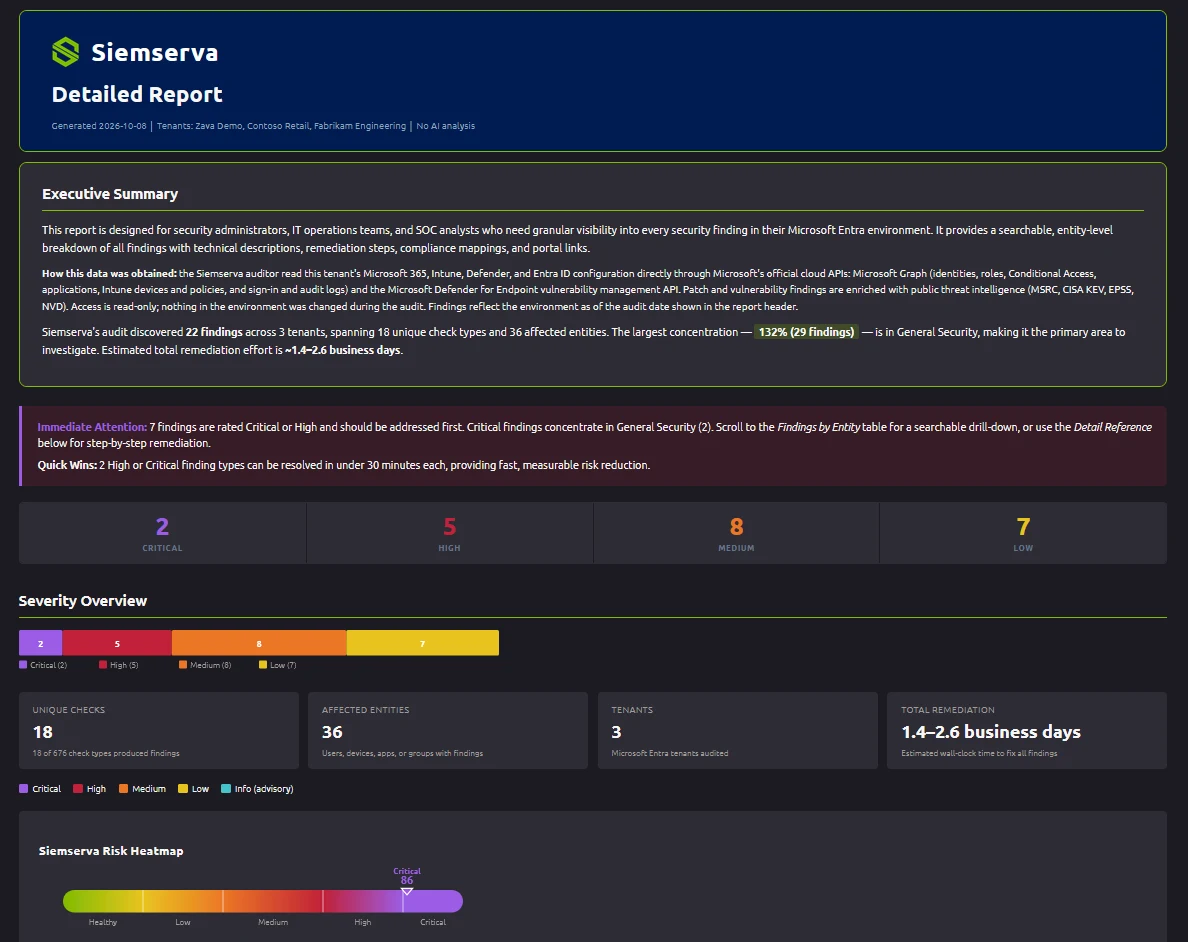
Two moments matter: filling out the application, and proving controls were in place after an incident. Senserva produces ranked findings and reports mapped to the controls, so your answers are backed by a dated scan, not a best guess. Answer the questionnaire honestly, close the gaps it exposes first, and keep the evidence.
AI security reports  |  Compliance mapping  |  The unified security model

Frequently asked questions

What security controls do cyber insurers require?

Most questionnaires ask about MFA (especially email, remote access, and privileged accounts), timely patching and vulnerability management, privileged access controls, logging and monitoring, email filtering, endpoint detection and response, and tested backups. Senserva covers the Microsoft 365, Intune, Defender, and Entra ID side of that list and produces the evidence.

Does MFA lower cyber insurance premiums?

Insurers treat MFA as a baseline, often a condition of coverage, especially for email, remote access, and admin accounts. Showing broad, enforced MFA can affect eligibility and pricing. Senserva shows exactly where MFA is enforced and where it is not, through its Conditional Access evaluation.

Is Senserva cyber insurance?

No. Senserva is a Microsoft 365 security posture tool, not an insurer or a broker. It helps you meet and prove the technical controls insurers ask about, and it is not a substitute for an EDR product, backups, or a policy.

See where you stand before you apply

Get going. No registration, no access to your tenant. Then register free to scan your own.

Download and go

Patching across Intune, Windows Autopatch, Defender, Azure, and your endpoint managers: see Senserva patching in action.