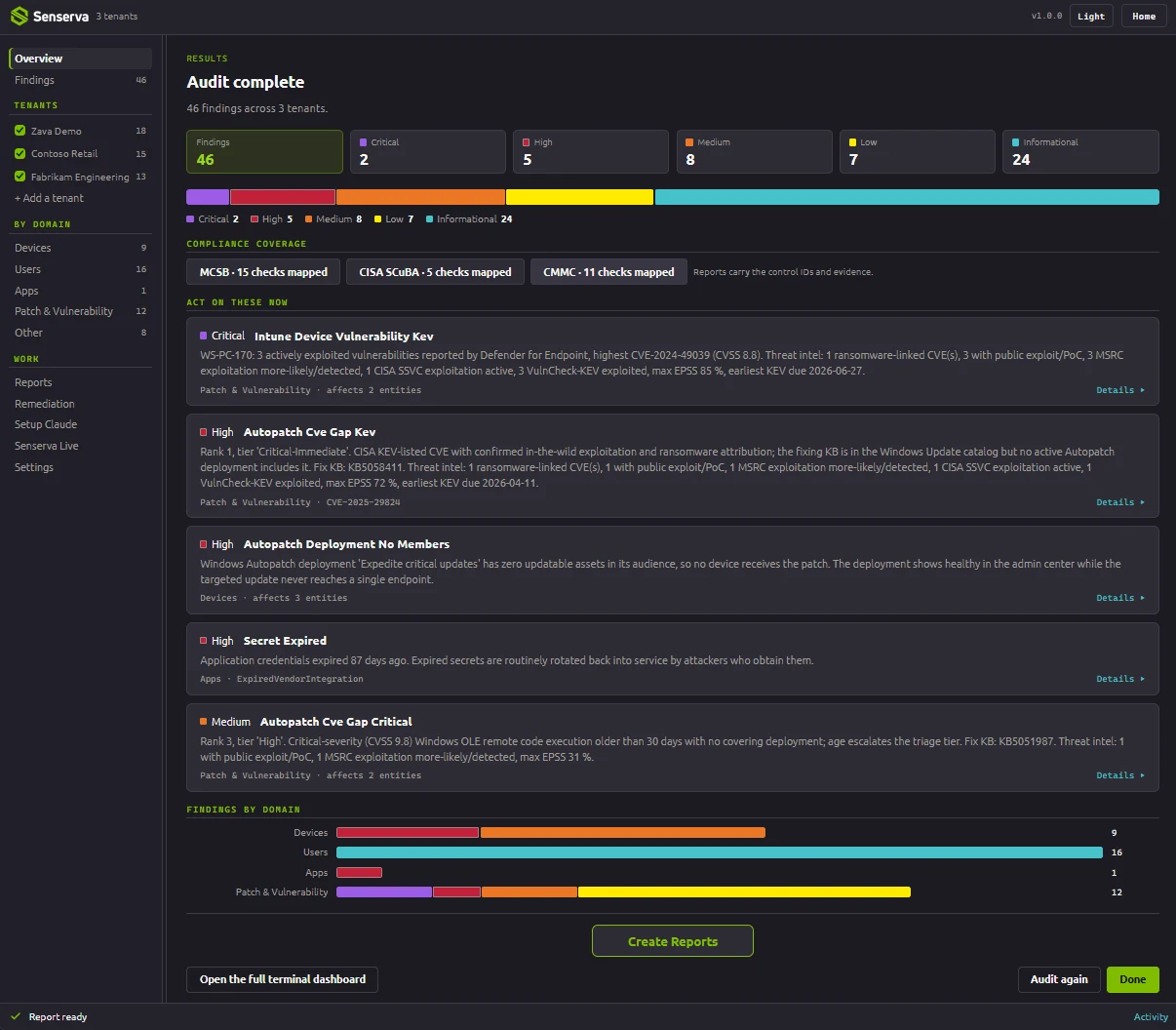
Local by default, shared when you need it
By default, Senserva keeps everything in a single local database file next to the program. Nothing to configure, and nothing leaves your machine. When you are ready to work as a team, point Senserva at a shared database in your own Azure, and several people scan and review the same tenants from the same data. You can switch back to local at any time.
Local database (default)
A single file on your machine. Zero setup, nothing sent anywhere. Perfect for one person on one computer. This is how Senserva works out of the box.
Shared database (Azure)
A database in a storage account you own. Multiple operators and machines share one set of findings, with safe concurrent scanning built in. Opt in when your team needs it.
What the shared database gives you
Your data stays in your Azure
The shared database lives in a storage account you own, in your own Azure subscription. Senserva hosts nothing and never sees your data. You choose how Senserva signs in:
Microsoft Entra sign-in (no secret)
Sign in interactively, with a device-code fallback. There is no connection string to store. It needs the Storage Table Data Contributor role, and Senserva can assign it for you. Works across tenants, including guest access.
Connection string
Paste a storage account connection string. Senserva keeps it only in its encrypted configuration, never in plain text.
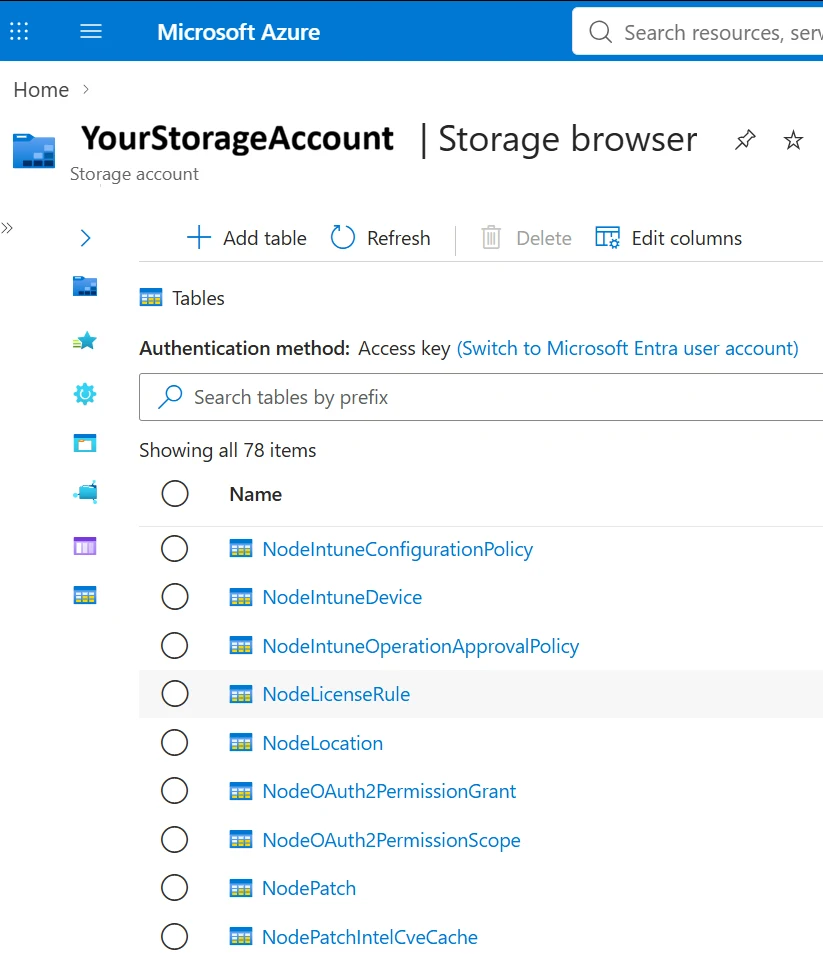
Easy to set up
The quickest path is the guided wizard. It asks which database to use and how to sign in, tests the connection, then saves your choice:
Prefer flags? Point at Azure with Entra sign-in:
Or with a connection string:
Back to the local database any time:
Environment variables work too (for example SENSERVA_STORAGE=azure-tables), which is handy for scheduled and CI runs. Senserva creates the tables it needs on first use.
Local vs shared, at a glance
| Local database | Shared database (Azure) | |
|---|---|---|
| Setup | None, works out of the box | One guided wizard, opt in |
| Where data lives | A file on your machine | A storage account you own in Azure |
| Best for | One operator, one computer | Teams, multiple machines, MSP multi-tenant |
| Sign-in | None | Microsoft Entra sign-in or connection string |
| Default | Yes | Opt in |
Not the same as Senserva Drift Manager
This is Senserva storing its own scan data in your Azure storage account, so your team shares results. Senserva Drift Manager is a separate, fully Azure-hosted service for continuous configuration drift detection across your tenants. Different products, and you can use either or both.
Start local, share when you are ready
Run Senserva free on the local database today. Flip on the shared Azure database when your team needs one source of truth.