How validated remediation works
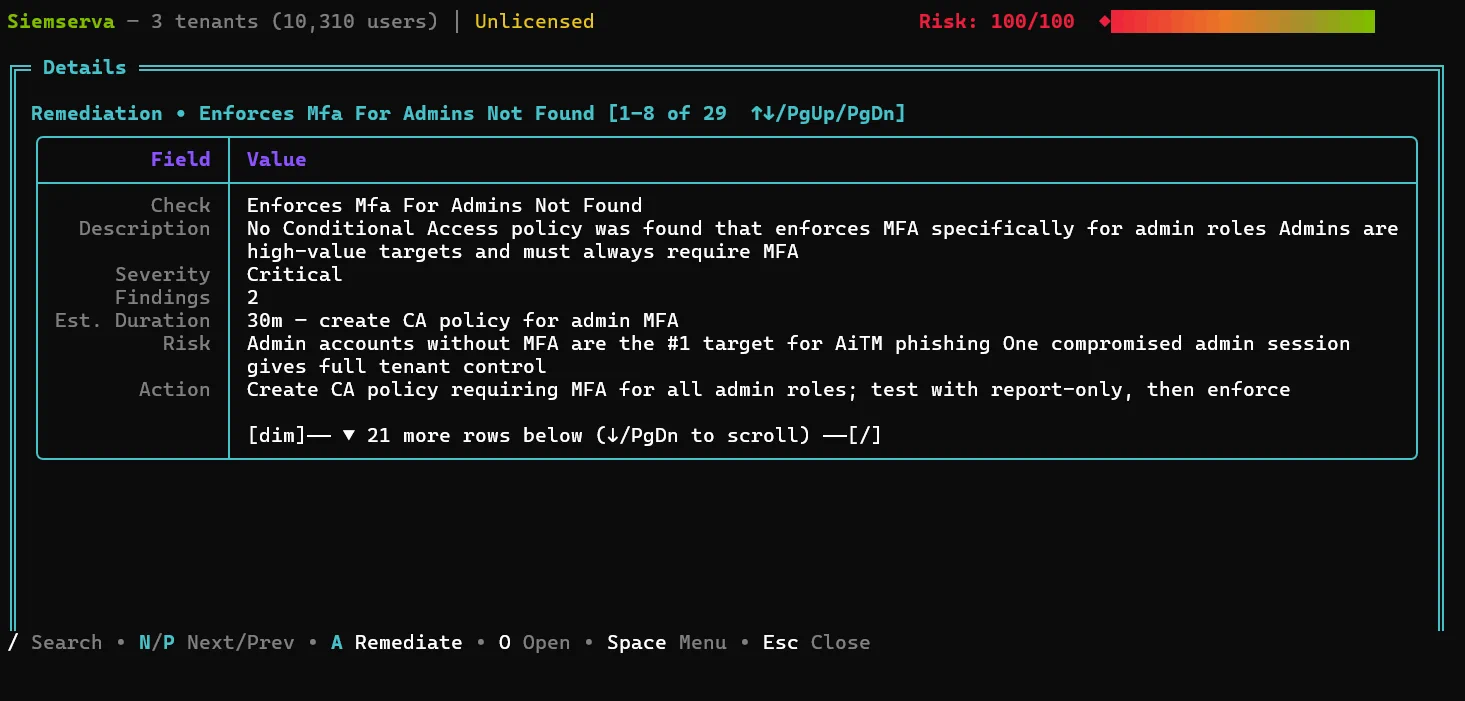
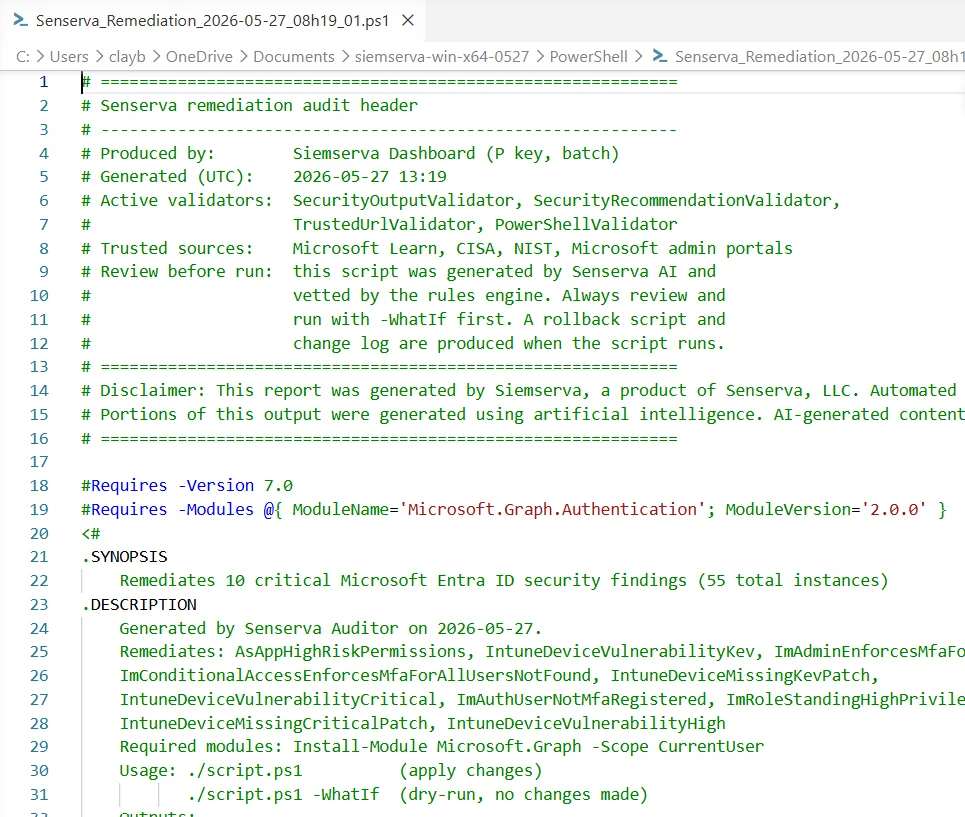
Validated means reviewed and deterministic, not blind auto-changes. You stay in control at every step.
Real fixes, often as PowerShell
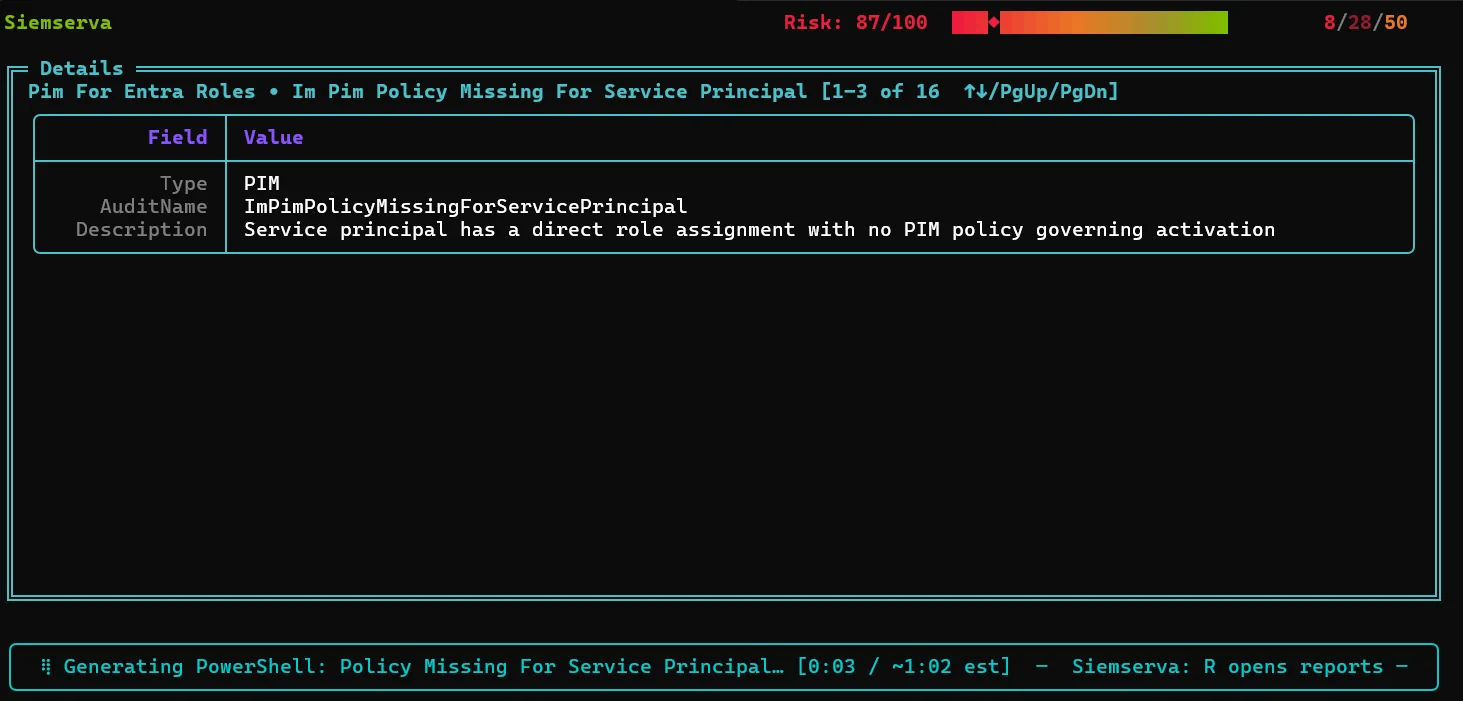
Remediation arrives as a concrete, reviewed action, frequently ready-to-run PowerShell, so closing a gap is an approval, not a research project. The same applies whether the finding came from a native check, Maester, or your own scripts.
Tuned per tenant, because every environment is configured a little differently.
A sample fix Senserva generates
Representative of the remediation Senserva produces for a finding: tuned to your tenant, idempotent, and safe to review. This one closes a common High-severity gap, legacy authentication, and starts in report-only so you confirm impact before enforcing. Nothing runs until you approve it.
<#
  Senserva remediation  |  Finding: Legacy authentication is not blocked
  Severity: High   Controls: MCSB IM-1, CISA SCuBA MS.AAD
  Generated and validated by Senserva, tuned to your tenant.
  Review, then run. Starts in report-only so you can confirm impact first.
#>

#Requires -Modules Microsoft.Graph.Identity.SignIns
Connect-MgGraph -Scopes "Policy.ReadWrite.ConditionalAccess","Policy.Read.All"

$name = "Senserva - Block legacy authentication"

# Idempotent: do nothing if the policy already exists
if (Get-MgIdentityConditionalAccessPolicy -Filter "displayName eq '$name'" -ErrorAction SilentlyContinue) {
    Write-Host "Policy '$name' already exists. Nothing to do."
    return
}

$params = @{
    displayName = $name
    state       = "enabledForReportingButNotEnforced"   # verify impact, then set to 'enabled'
    conditions  = @{
        clientAppTypes = @("exchangeActiveSync","other") # legacy auth clients
        applications   = @{ includeApplications = @("All") }
        users          = @{ includeUsers = @("All"); excludeUsers = @("<your-break-glass-account-id>") }
    }
    grantControls = @{ operator = "OR"; builtInControls = @("block") }
}

New-MgIdentityConditionalAccessPolicy -BodyParameter $params
Write-Host "Created '$name' (report-only). Confirm sign-ins, then set state to 'enabled'."
Every fix is generated and validated against your real findings. How Senserva Trustworthy AI works.
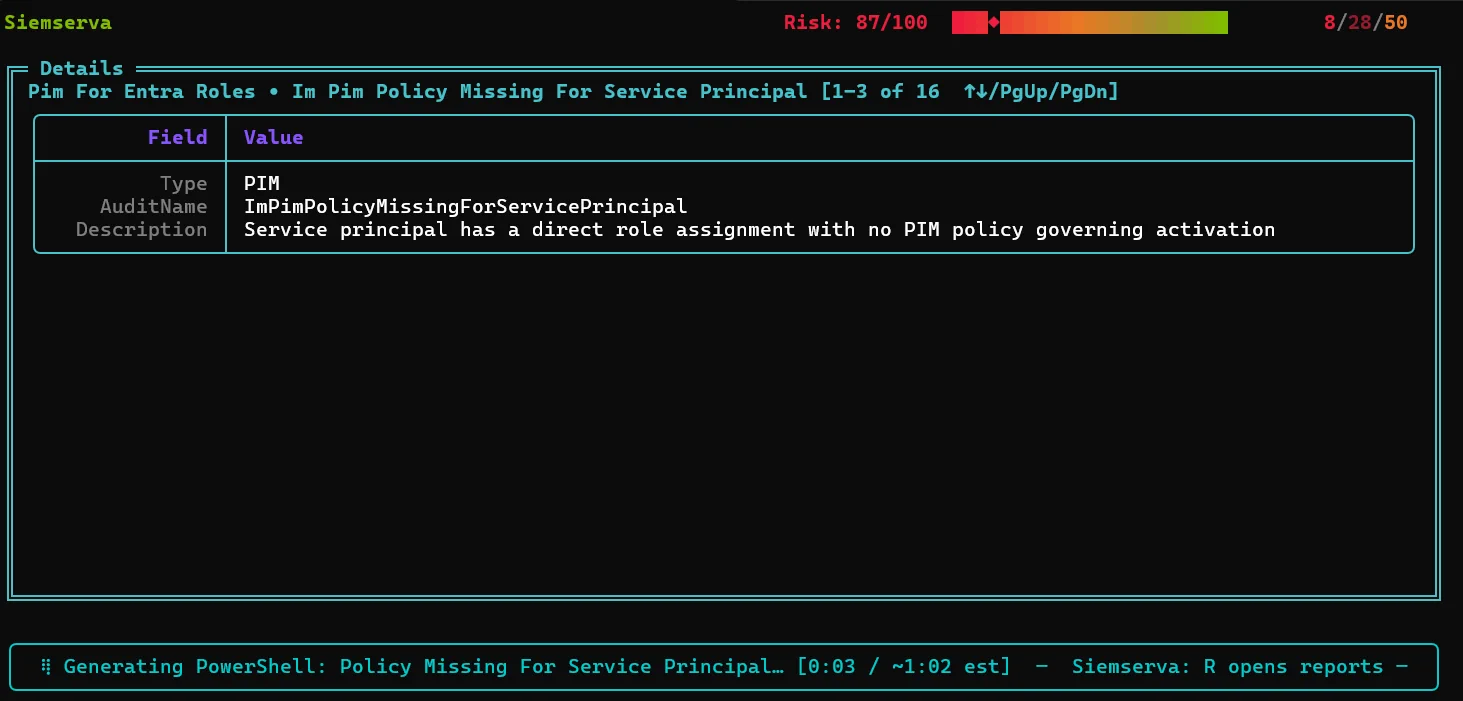
Drive it from the UI or from Claude
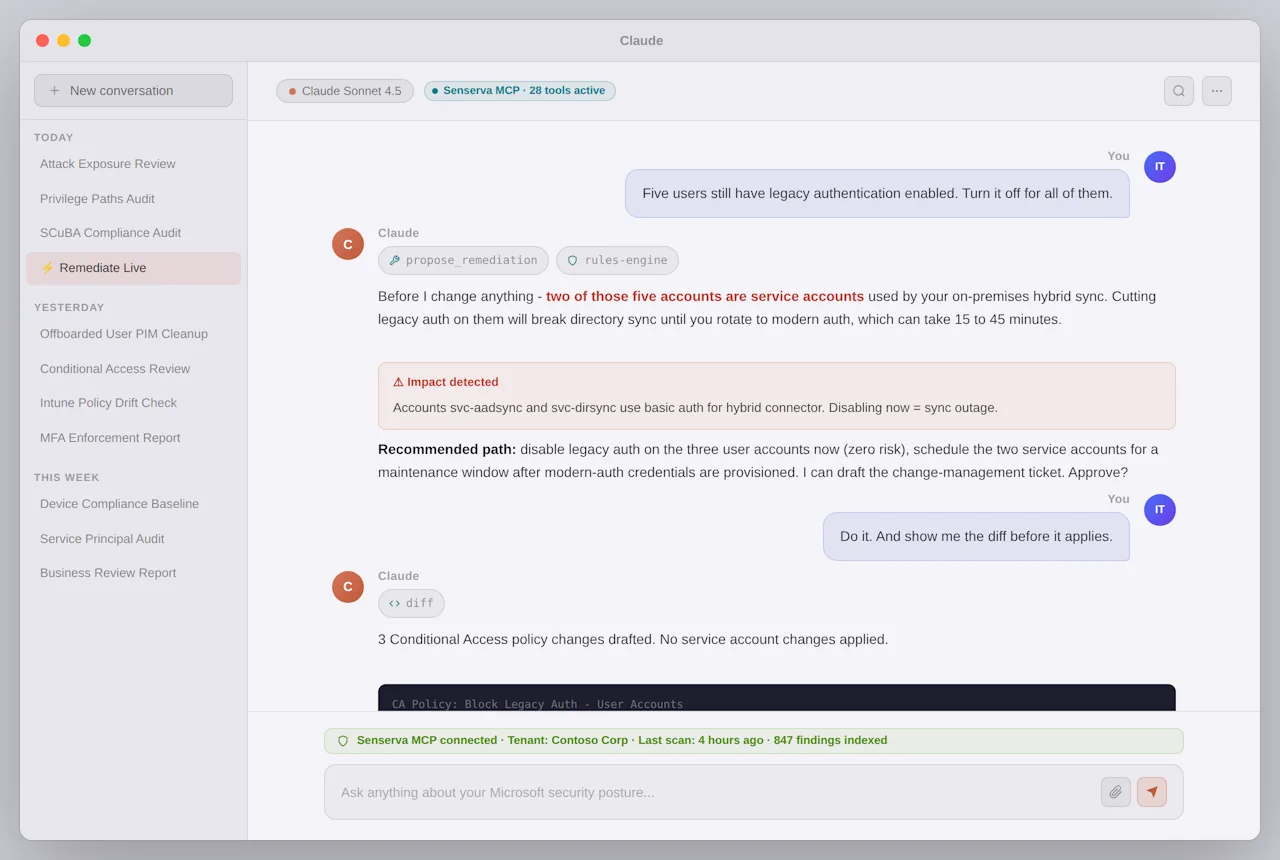
Work in the full Senserva UI, or run the whole loop, find, fix, verify, from Claude, or the AI of your choice, through the Senserva MCP. Ask it to remediate the standing Global Administrators or the Conditional Access gaps, review what it proposes, and apply.
Deeper: run it from Claude and the reports it produces.
What automated remediation means at Senserva
Automated remediation should remove the busywork, not your judgment. Senserva automates the slow parts, finding the issue, ranking it by real-world risk, and drafting the exact, tenant-specific fix, so closing a gap is a review and an approval, not a research project. It is never blind, unattended change: every fix is validated and you approve it before anything runs. That is the difference between automated and reckless, and it is where the time savings come from.
Automation-driven savings span the whole estate: 650+ security checks, CVE remediation, and continuous configuration drift remediation, with compliance evidence on every scan. Grounded and validated by Senserva Trustworthy AI, and driven from Claude and the MCP or the Senserva SDK. See how teams cut management time.